Free online games for kids: a parents' guide

Free games that run in a web browser are an easy way for kids to play on a phone, tablet or computer. But "free" can hide a lot: sign-ups, pop-up shops, chat with strangers or tracking. This guide lists the simple questions to ask before your child presses Play, and explains exactly how Rempara answers each of them today.
How browser games work
A browser game opens like a web page. You visit the site, tap Play and the game loads in a few seconds. There is no app store, no download and nothing to install.
On Rempara, every game plays in Chrome, Safari, Firefox or Edge, on an Android phone, an iPhone, a tablet, a Chromebook or a computer. Every game is built around one simple idea that a child understands in a few seconds, with levels that slowly get harder.
Five questions to ask before your child plays
Does it ask for an account, an email or a password? A child should never need to type personal details to play a simple game. Rempara never asks for a name, an email or an account.
Can money be spent inside the game? Look for shops, coin packs or "special offers". Rempara games have no in-app purchases, and you never need to pay to finish a level. Coins, stars and feathers are earned by playing.
Can strangers talk to my child? Rempara has no chat. In the arena (.io) games, the rivals are controlled by the computer, so your child never meets unknown players. Leaderboards compare scores with made-up characters, like the quirky scientists in Gloop Lab.
Is the content gentle? Rempara games use a cartoon style with cute creatures, no blood and no realistic weapons. They are designed to be understood from age 8: big buttons, very little text and clear rules.
Are there ads? At the time of writing, no advertising is shown on rempara.com. The privacy page explains that advertising could only run if you accept it.
What happens to your family's data
Rempara sets no cookies and uses no advertising trackers. To count visits, the studio uses a home-made tool on its own server. It records things like the pages viewed, the country and the type of device, plus a random identifier stored in the browser. Your IP address is used for an instant to find the country, then forgotten. Your name and email are never recorded.
You can turn this counting off in one click on the privacy page, and the games keep working exactly the same. If your browser sends a Do Not Track or Global Privacy Control signal, nothing is sent at all.
Where game progress is saved
Levels, stars and settings are saved in your browser's local storage, on your own device. This data is never sent to Rempara. The flip side: progress stays on that device and that browser. If your child plays on the family tablet and then on a phone, each one keeps its own save.
To start from zero, clear the site data for rempara.com in your browser settings. This also resets the visit counter, so turn the opt-out back on if you used it.
Good habits for families
Agree on a time limit before the game starts, not in the middle of a level. Short games make this easier: one or two levels fit nicely into a break.
Play together now and then. Ask your child to teach you the rules: explaining a puzzle out loud is a great way to think it through. For younger players, choose calm puzzle games with no timer, where they can undo a move and try again. And keep the device in a shared room, so you can see what is on screen.
Calm Rempara games to start with
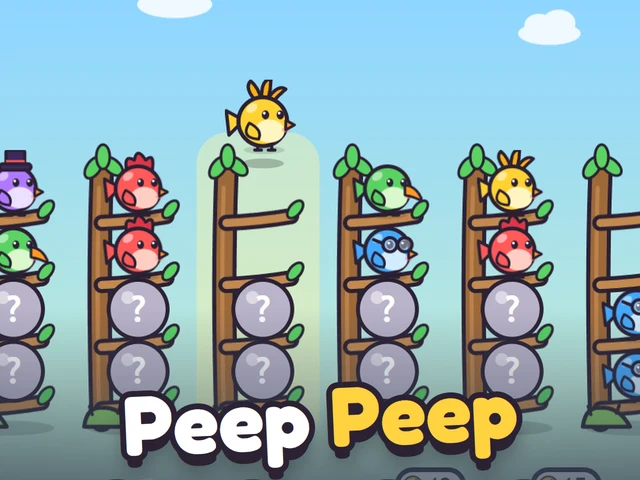
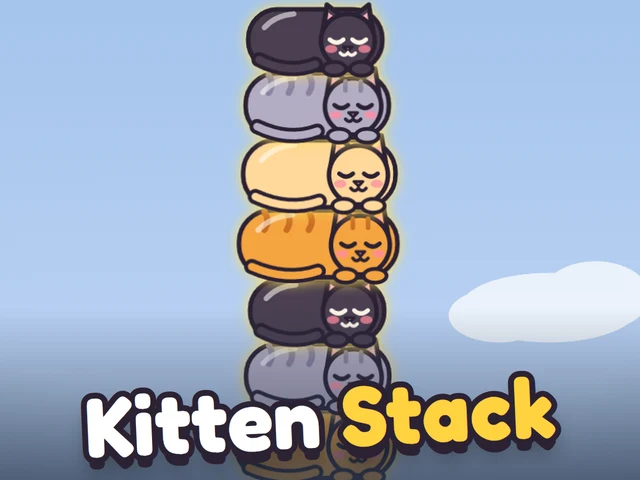
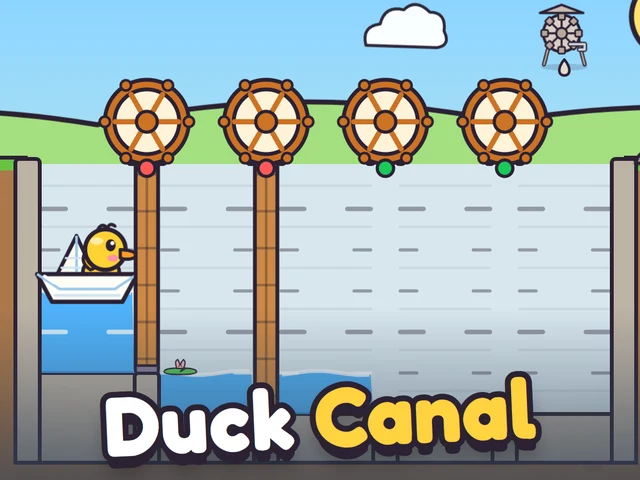
Gloop Lab and Peep Peep are gentle sorting games: pour potions or fly birds until each flask or branch holds one kind, with a free undo. Duck Canal is a water puzzle where you open lock gates to sail Ploc the duckling home, with undo and restart as often as you like. Kitten Stack is a one-tap game: drop sleepy kittens and build the tallest tower.
Games to practice
 New
Duck CanalNew
New
Duck CanalNew